
Autosniffer
Device Management Software
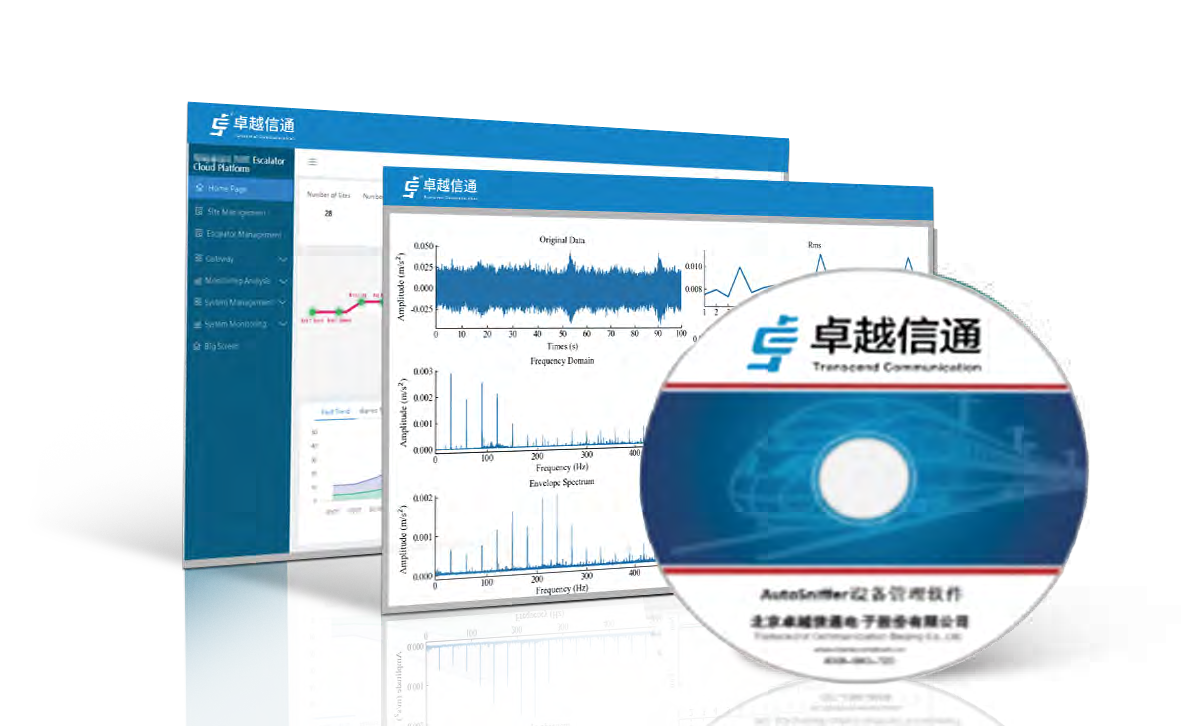 Front
 Performance Features
- Easy-to-use and practical functions, helping administrators quickly grasp network status
 Manages Transcend products and SNMPcompliant network devices
- Supports device management, link management, network management
 and detailed usage information
- Provides network topology view, alarm management and statistical reports
- AutoSniffer is an intelligent industrial network management software
Overview
AutoSniffer Device Management Software is an industrial network management software independently developed by Transcend. It is fully compatible with mainstream and domestic operating systems and databases. Adopting a B/S client architecture, it supports both PCs and mobile devices, delivering a genuine intelligent network management solution. It implements functions including intelligent device management, link management, network management, detailed usage information, network topology query, alarm management, and statistical reports.
Adopting multiple industryleading intelligent technologies, AutoSniffer Device Management Software enables intelligent and automated network management. It supports management of Transcend products and SNMPcompliant network devices (adaptation required). As a management tool for network and security administrators, it features easy operation and practical functions. It helps administrators quickly obtain realtime network status, diagnose network faults, reduce network configuration workload, and identify potential network security risks. Meanwhile, built on an open framework, the software boasts outstanding system scalability for supporting a wide range of additional device types and other management tools.
Technical Parameters
| Function |
| ||||
| 1, Device Management | View device list | ||||
| 1, Device Management |
| ||||
| 1, Device Management | Manually add devices | ||||
| 1, Device Management | Manually modify devices | ||||
| 1, Device Management | Manually delete devices | ||||
| 2, Link Management | View device connection relationships | ||||
| 2, Link Management | View device connection status | ||||
| 2, Link Management | Add new links | ||||
| 2, Link Management | Refresh link status | ||||
| 2, Link Management | Delete links | ||||
| 3, Network Management | Create new networks | ||||
| 3, Network Management | Modify networks | ||||
| 3, Network Management | Delete networks | ||||
| 4., Network Topology Query | Device memory usage | ||||
| 4., Network Topology Query | Device CPU usage | ||||
| 4., Network Topology Query | Latest device alarm information | ||||
| 5, Network topology query | Information of each device port | ||||
| 5, Network topology query | Query affiliated network | ||||
| 5, Network topology query | Save device position | ||||
| 5, Network topology query | Refresh device and link status | ||||
| 5, Network topology query | Download topology diagram | ||||
| 5, Network topology query |
| ||||
| 6, Alarm Management | Alarm display | ||||
| 6, Alarm Management | Four-level alarm severity | ||||
| 6, Alarm Management | Alarm content | ||||
| 6, Alarm Management | Query alarms by IP | ||||
| 6, Alarm Management | Query alarms by alarm severity | ||||
| 6, Alarm Management | Query alarms by device IP | ||||
| 6, Alarm Management | Query alarms by alarm time | ||||
| 6, Alarm Management | Audible alarm | ||||
| 7, Report Statistics | Device online rate | ||||
| 7, Report Statistics | Percentage of each alarm category | ||||
| 8, Others | Import devices from EXCEL | ||||
| 8, Others | Software runs under Windows |
Resources
Ordering Information
| Model | Description |
|---|---|
| Autosniffer | Device Management Software |